The good thing about using Github Pages for hosting YANOTECH is that posting is just creating a new markdown file within the _posts subfolder, and once everything is setup (the subject for a future post), everything is dealt with for you by Jekyll running on behalf of Github Pages.
I have also created a _drafts subfolder, where I can start with stubs for things that I want to publish. I can keep editing in the _drafts subfolder, but things will not be accessible on the web until I give them a name in the form YYYY-MM-DD-A-Very-Impressive-Title.markdown and they are moved to the _posts folder.
How am I creating the posts? On the Mac —or any other desktop platform with a git client—, I’m using TextMate and Github Desktop.
On iOS, I’m using Working Copy as the git client and editor. I will probably use something else as the editor, because Working Copy provides repositories within the Files application as direct source for any other application, but for now I’m happy with Woking Copy.
In particular, the draft for this post was written within Working Copy, and posted —git committed and got pushed— to the _drafts folder. Except I did not use the command line, only the UI.
The process is quite easy within Working Copy: you tap Done when you are done editing.
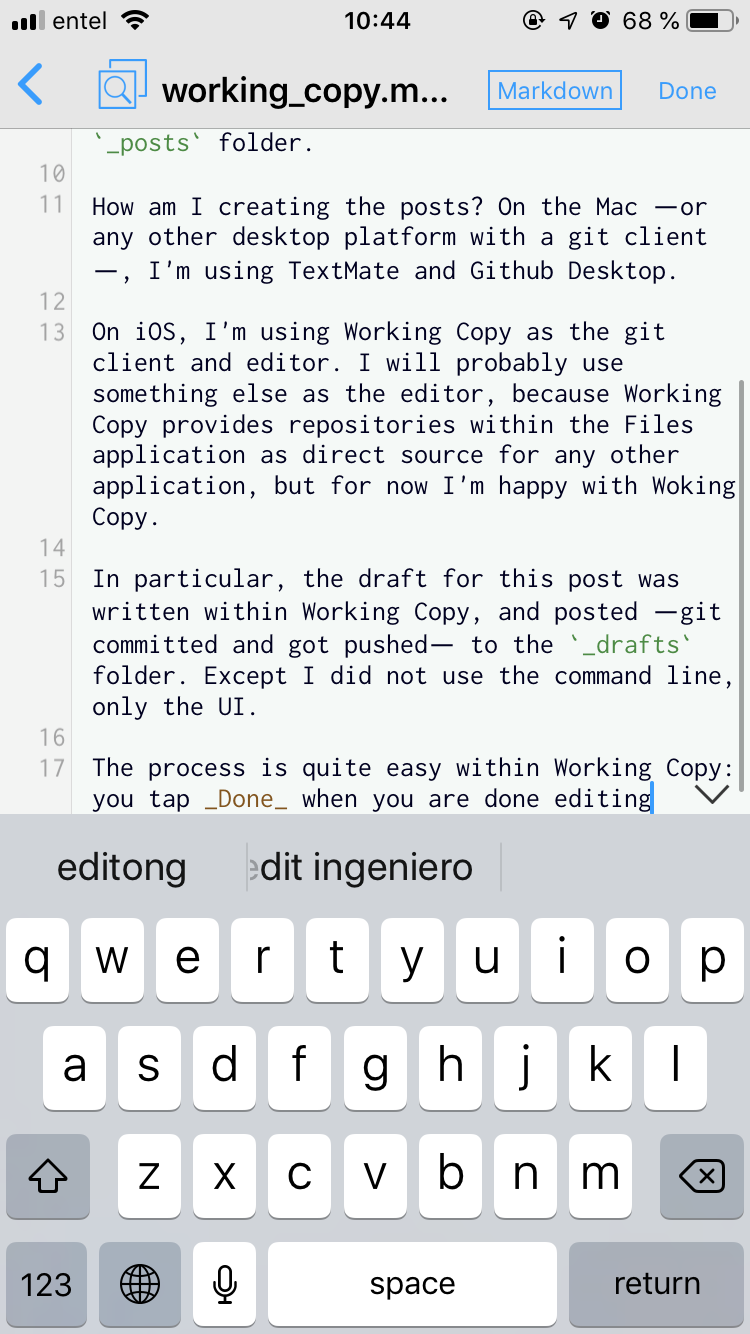
If you look at the lower part of the screen, you’ll see several tabs, including Status.
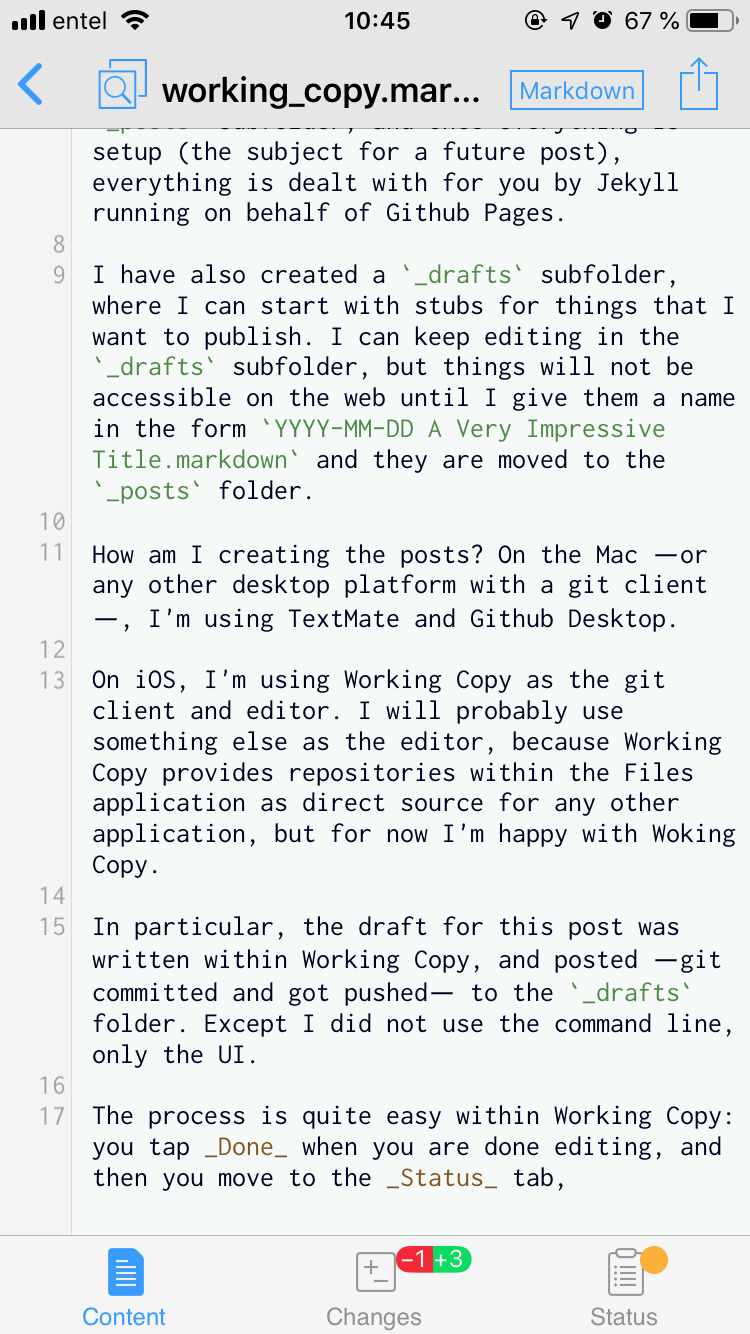
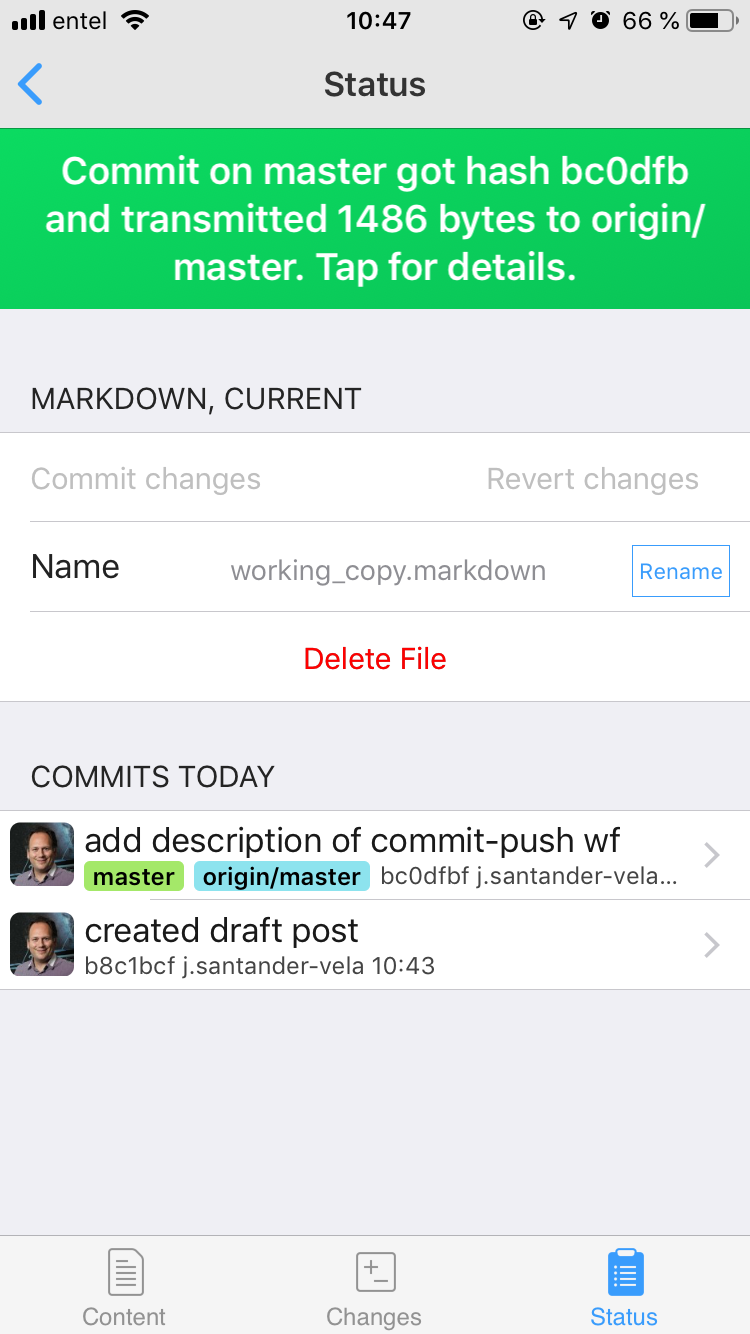
Then you move to the Status tab, where you will see the possibility of both committing, and pushing the commits to the remote at the same time.
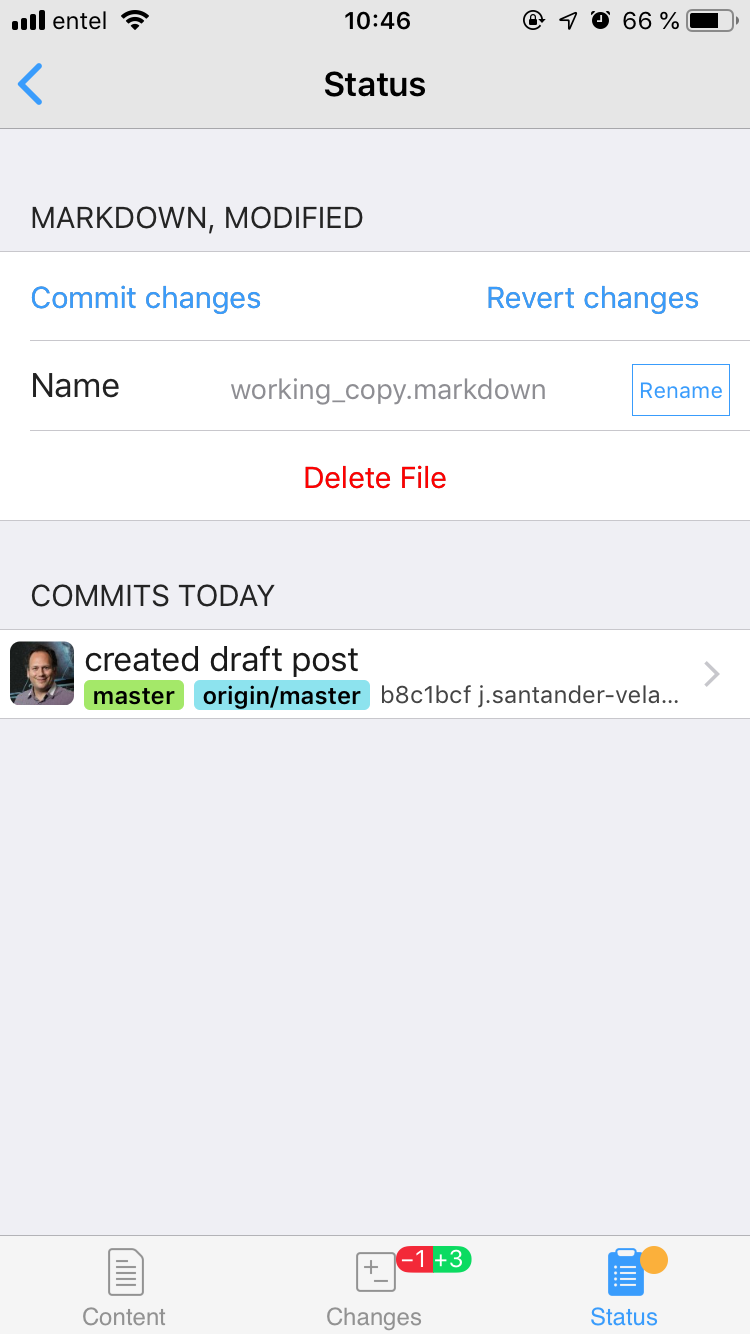
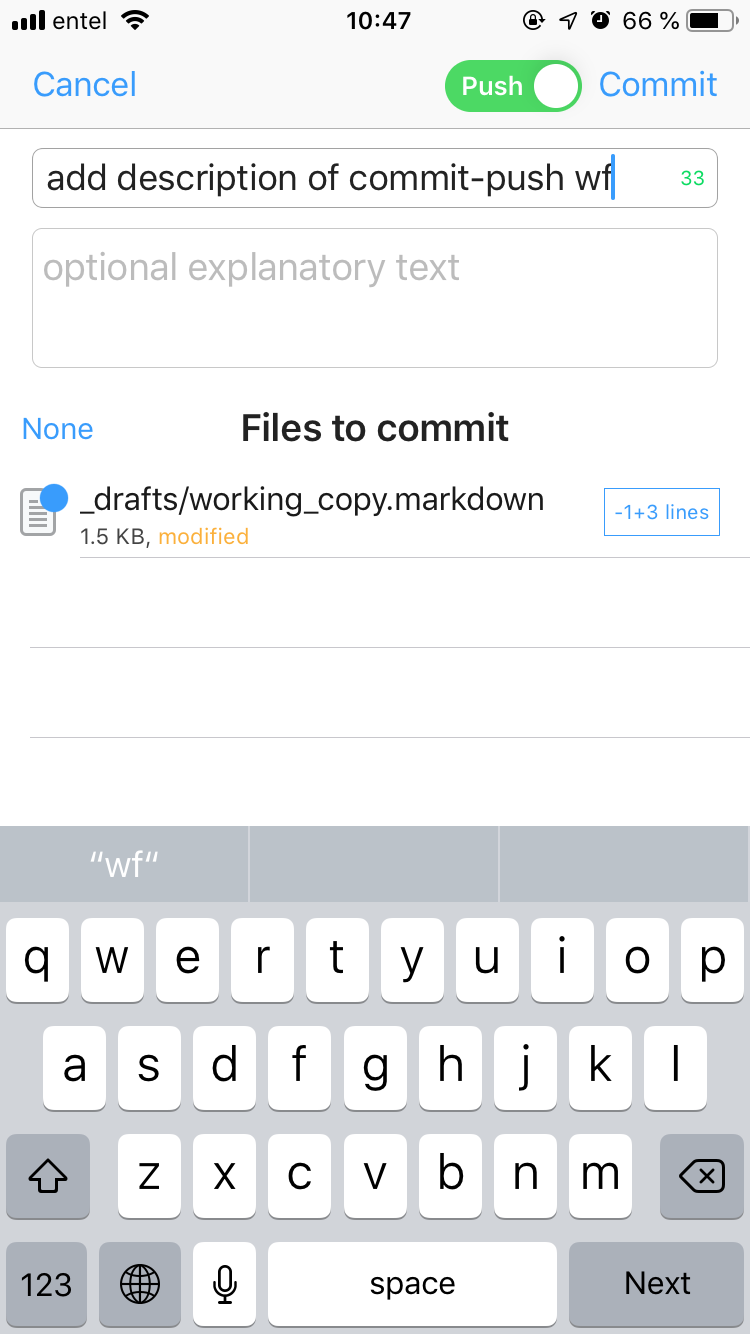
After pushing the changes, you receive confirmation of the data exchanged with the remote repository.
 .
.
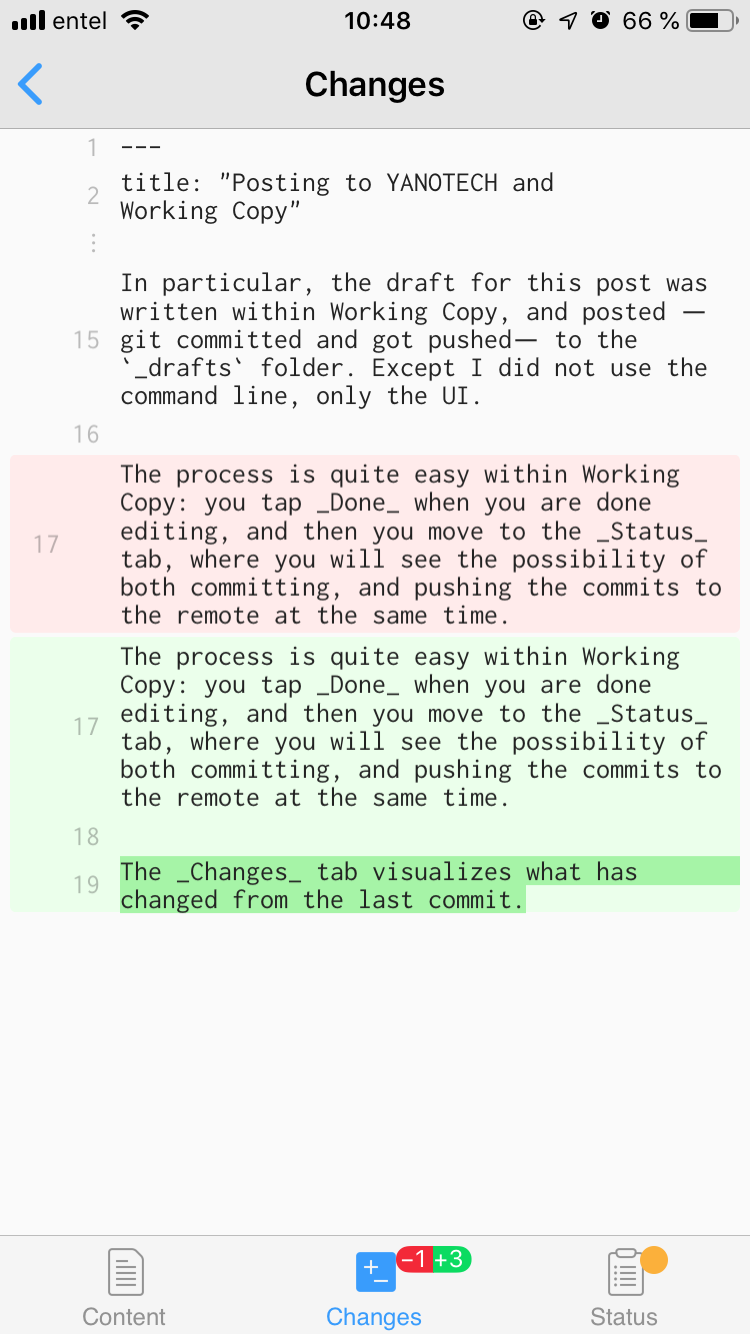
At any time, you can go to the Changes tab, which visualizes what has changed from the last commit.
And that’s it!